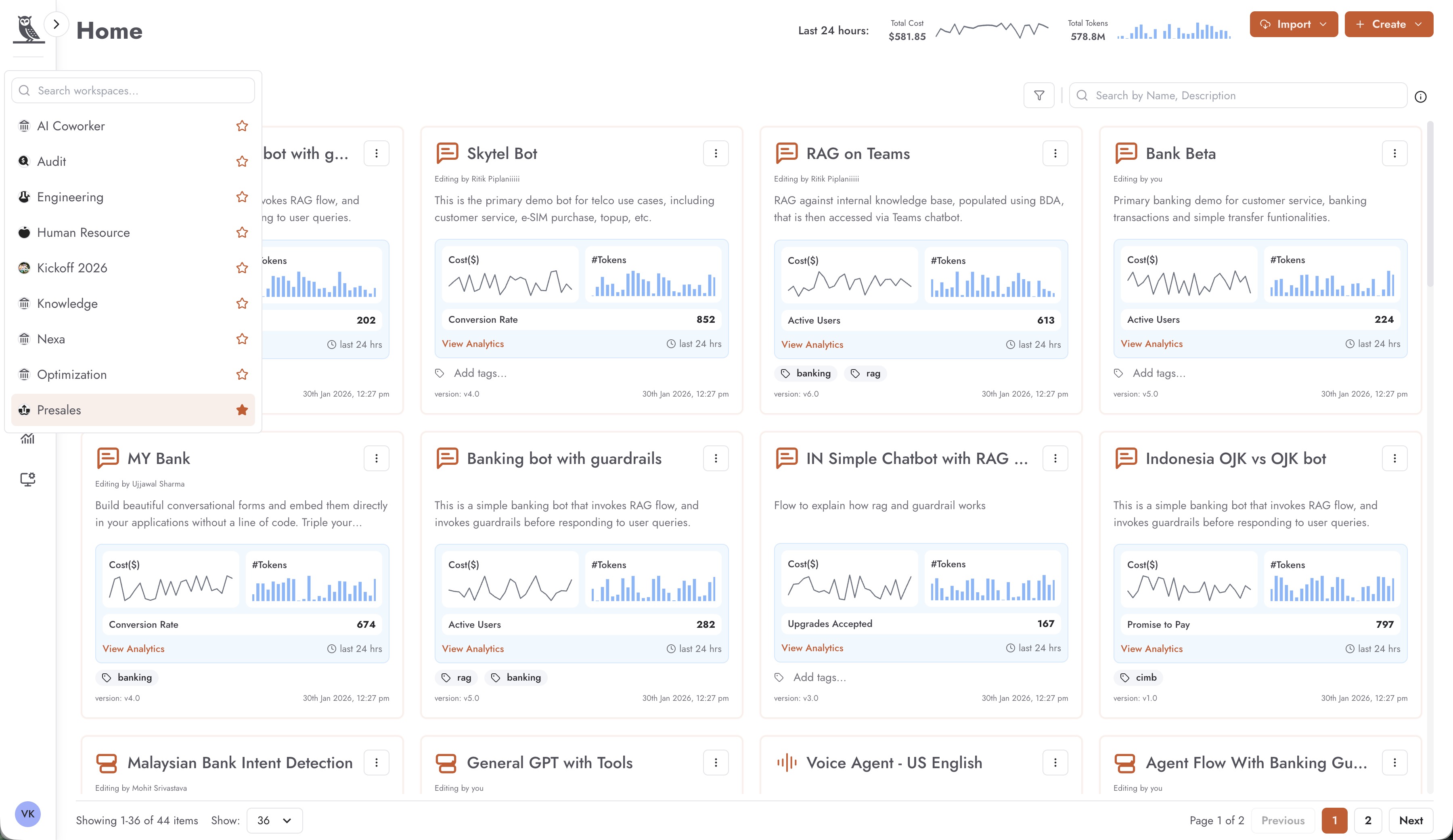
Workspaces
Workspaces provide a dedicated environment for a department or team within an organization. They serve as collaborative spaces where team members can work together on building and managing AI agents. Each workspace is accessible only to its assigned members, ensuring that sensitive projects and data remain secure within the appropriate team boundaries.
Members within a workspace may have different roles, each with varying levels of access and permissions. This role-based access control allows organizations to maintain proper governance over who can create, edit, deploy, or manage agents and other resources.
Within a workspace, members can create agents that serve a variety of purposes:
Internal agents that assist members of the workspace with their day-to-day tasks
Organization-wide agents that serve employees across the entire organization
Customer-facing agents that interact with and support the clients of the organization
The workspace also serves as a scope for foundry components, meaning that the following resources are contained within and managed at the workspace level:
Guardrails - Safety and compliance rules for agent behavior
Tools - Integrations and capabilities available to agents
Knowledge Bases - Document collections and data sources for agent reference
Evaluations - Testing and quality assessment configurations
Datasets - Data used for training, testing, and evaluation purposes
This scoping ensures that each team has control over their own resources while maintaining isolation from other workspaces.
You can switch between workspaces by using the workspace switcher, which appears once you click on the workspace icon.