Super Admin Quickstart
This guide walks you through the minimum steps to make OneByZero Neo ready for your teams. By the end, you will have at least one workspace running with a user who can log in and start building.
Time to complete: ~10 minutes.
Step 1 — Log in to the Super Admin Panel
Open the OneByZero Neo URL in your browser. Log in using your super admin credentials.
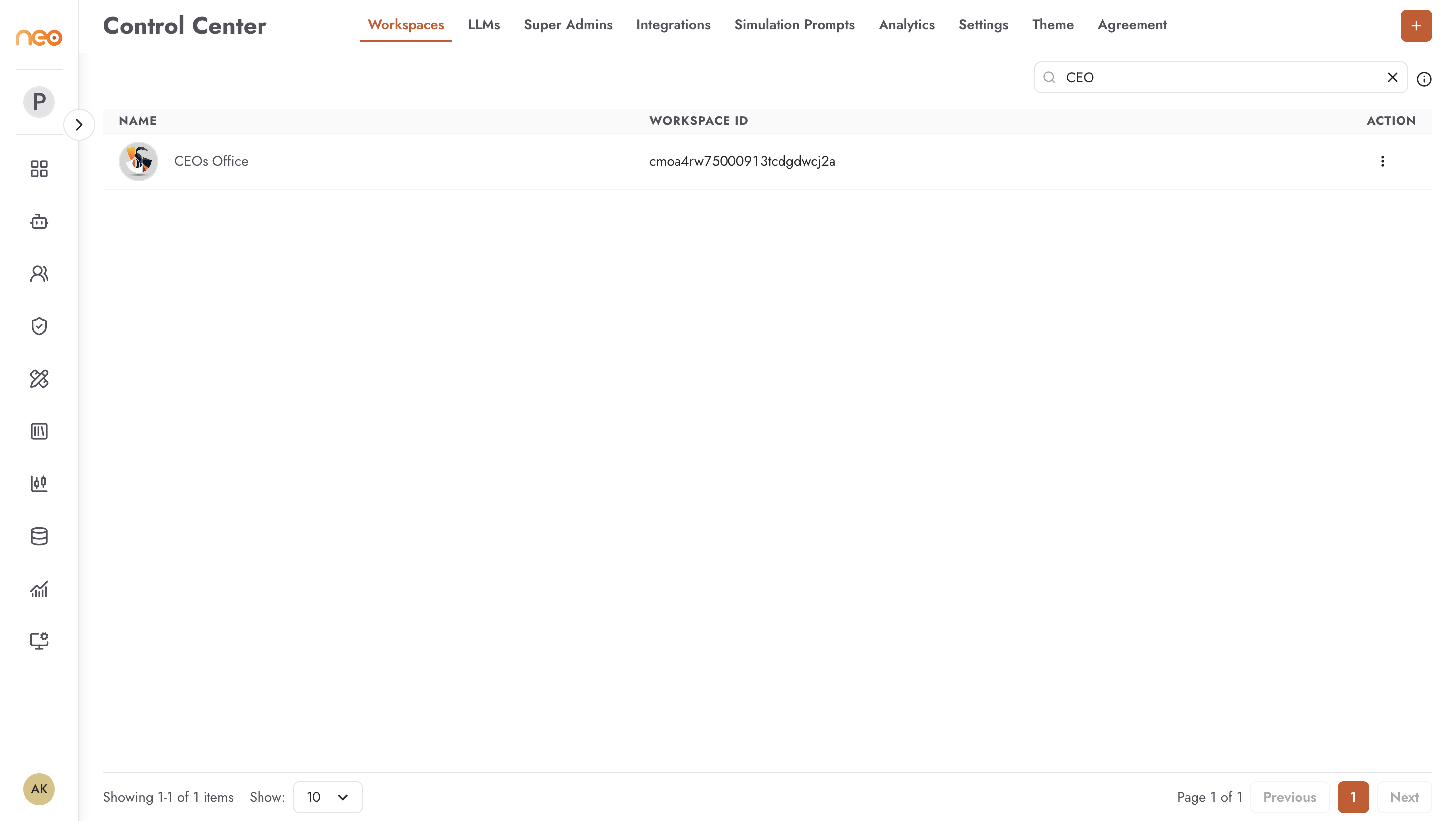
After login you land on the Super Admin panel. This is a separate area from the workspace interface — it controls platform-level configuration that applies to all workspaces.
Step 2 — Add an LLM Model
Agents need an LLM to function. Before any agent can be built or run, at least one model must be configured.
In the Super Admin panel, navigate to LLMs.
Click + Add Model.
Select the model provider and enter the required credentials (API key, region, etc.).
Save. The model becomes available to all workspaces on the platform.
For details on all model configuration options, see LLM Management.
Step 3 — Create a Workspace
Workspaces are the self-contained environments where teams build and manage agents.
Navigate to Workspaces in the Super Admin panel.
Click + Add Workspace.
Enter a name for the workspace (e.g.
customer-support,hr-team).Save.
For details on workspace configuration options, see Workspace Management.
Step 4 — Add a Workspace Admin
A Workspace Admin will manage membership and settings within the workspace you just created. You need to give at least one user admin access before they can invite their team.
Navigate to Admins in the Super Admin panel.
Click + Add Admin.
Enter the user’s email address and select the workspace.
Assign them the Admin role.
Save. The user receives access and can now log in.
For details, see User Access Management.
Step 5 — Hand Off
Your platform is ready. Share the Neo URL and their login credentials with the Workspace Admin you just created and point them at the Workspace Admin Quickstart.
Once the workspace is set up with members, builders can follow the Build Your First Agent guide.