Testing
The Playground lets you run the current draft of an Agentic Flow interactively without publishing it.
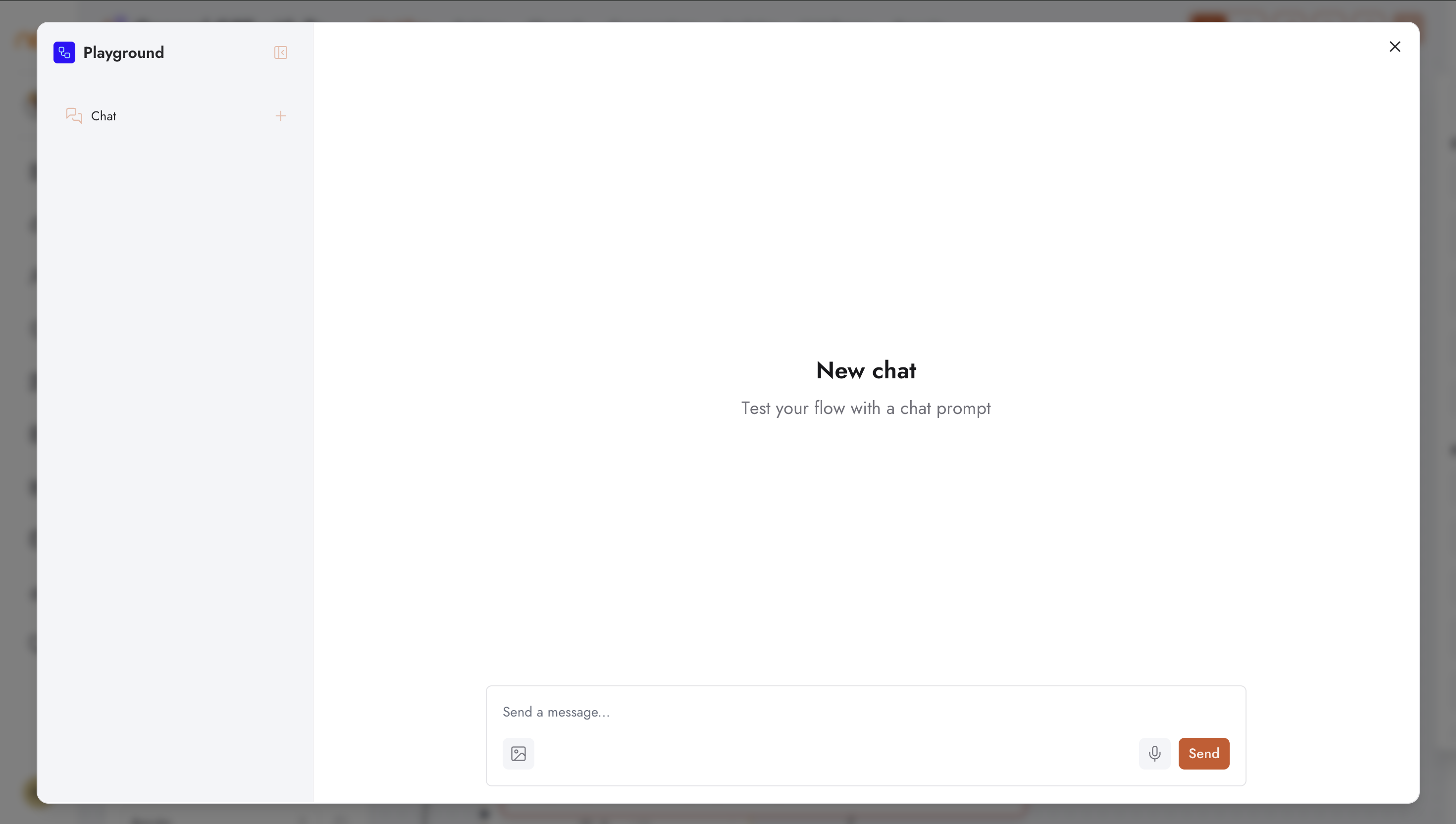
Opening the Playground
Click the Playground button (play icon) in the top-right of the editor header. A dialog opens with a chat-style interface connected to the live flow draft.
Send a message in the Playground to trigger the flow. The response is rendered when the Output component returns a result. Intermediate node outputs are not shown in the Playground view — use the Conversations tab after publishing for step-level traces.
Playground Availability
The Playground button is disabled if the flow has no Input or Output component. A tooltip explains: “Add an Input or Output to use the playground.” Once both are present, the button becomes active.
Variables and Context
Variables defined in the Variables drawer are available to the flow during Playground runs. You can set variable values before running to test different scenarios.