
This guide walks you through setting up your workspace so your team can log in and start building agents. By the end, your members will have the right roles and the credentials they need to get started.
Time to complete: ~10 minutes.
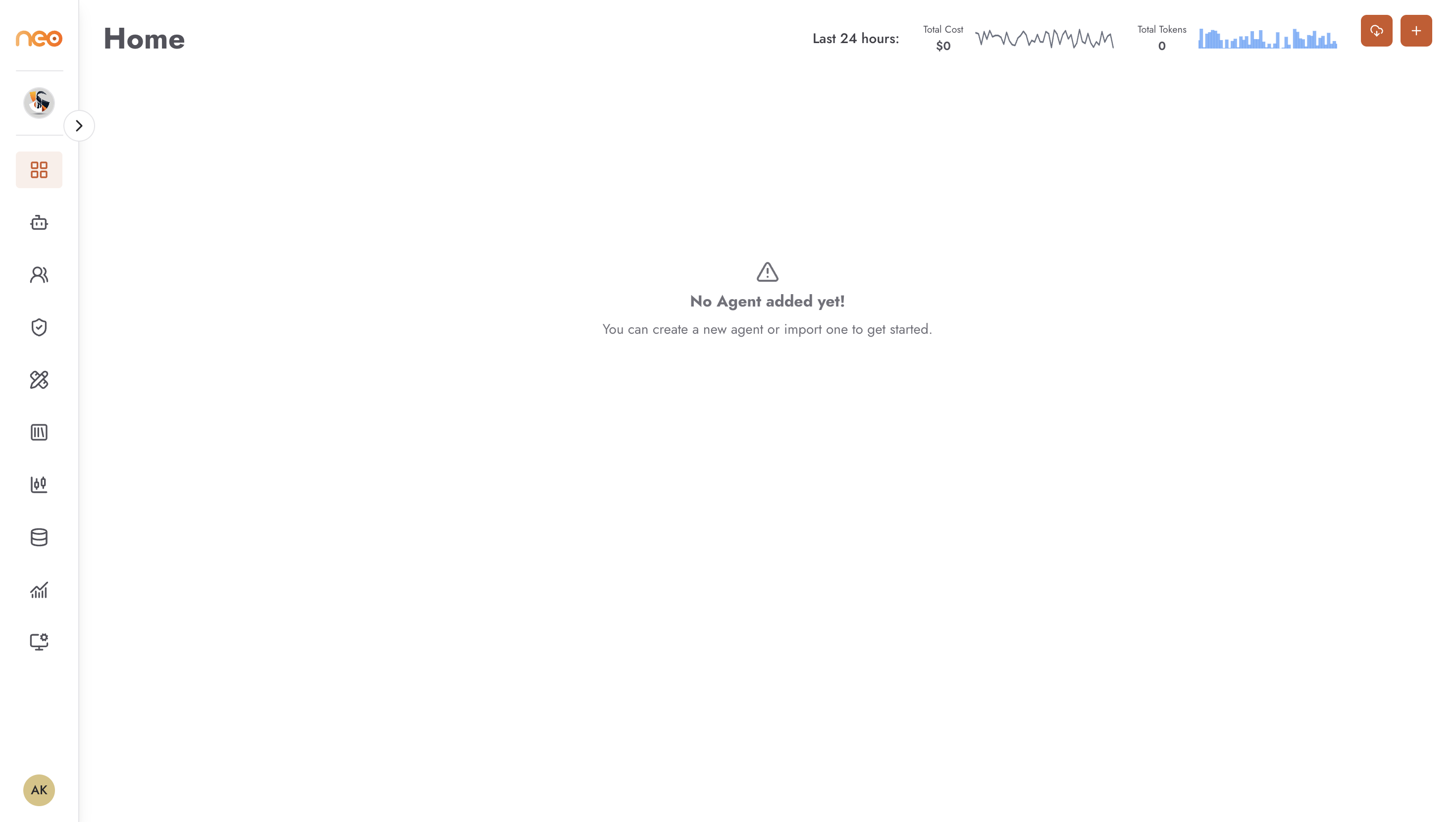
Step 1 — Access Your Workspace
Log in to OneByZero Neo with your credentials. If you have access to more than one workspace, the workspace switcher in the top-left corner lets you move between them.
After login you land on the Coworkers page. Click Agents in the sidebar to see the agent listing for your workspace. It will be empty until agents are created.
Step 2 — Create Roles
Before inviting members, define the roles that reflect your team’s responsibilities. Each role is a named collection of permissions.
- Open Workspace Settings (gear icon, bottom-left).
- Navigate to the Roles tab.
- Click + Create Role.
- Name the role (e.g.
Agent Builder,Viewer) and toggle the permissions appropriate for that role. - Save.
At minimum, create one role for builders (who create and edit agents) and one for viewers (who can only interact with published agents). For details, see Roles and Permissions.
Step 3 — Invite Members
- In Workspace Settings, open Members → Users.
- Click + (Invite Member).
- Enter the user’s email address.
- Assign them one of the roles you just created, and any policies they need.
- Click Send Invitation. People who already have an account are added straight away; others are invited and can join when they sign up.
For details, see Member Management.
Step 4 — Add Secrets and Variables
Agents often need credentials and configuration values at runtime — API keys, database connection strings, environment-specific settings. Store these centrally so agents can reference them without embedding them in the flow.
- In Workspace Settings, open Secrets → AWS Secrets Manager or Secrets → HashiCorp Vault for sensitive values (API keys, tokens, passwords).
- Click +, enter the secret’s name and value, and save.
- Open Secrets → Variables for non-sensitive configuration values.
- Click + (Create Variable), choose the agent type, enter the name, type, and value, and save.
For details, see Variables and Secrets.
Your workspace is ready. Point your builders at the Build Your First Agent guide.