Getting Started
As a user, you may have access to one or more workspaces within OneByZero Neo. Workspaces are collaborative environments where teams build, deploy, and manage AI agents. Depending on your organization’s structure, you might be a member of a single workspace dedicated to your team, or you might have access to multiple workspaces across different departments or projects.
If you have not been assigned to any workspace, you will see a screen similar to the following:
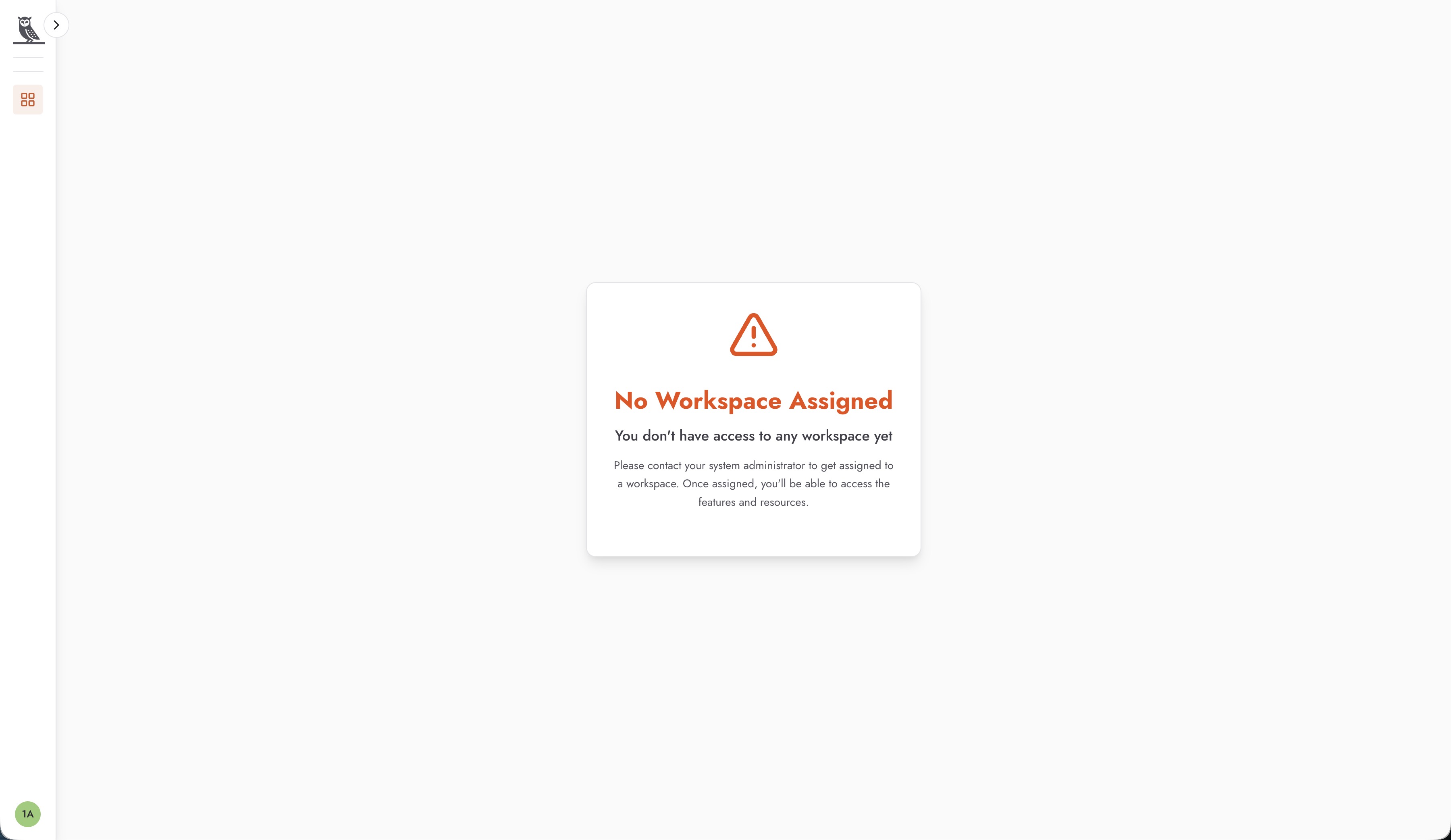
If you encounter this screen, it means that you have not yet been granted access to any workspace. Please contact your Neo Administrator or the Workspace Administrator to request access. They will be able to add you to the appropriate workspace and assign you a role that matches your responsibilities.
The level of access you have in each workspace depends on the role assigned to you in that workspace. OneByZero Neo uses role-based access control to ensure that users have the appropriate permissions for their responsibilities. As a result, the view of the workspace and the available features may differ from user to user based on their assigned permissions.
For example, some users may have full administrative access to create and configure agents, while others may only have permission to interact with deployed agents through FactoryGPT. Your workspace administrator can provide details about your specific role and what actions you are authorized to perform.
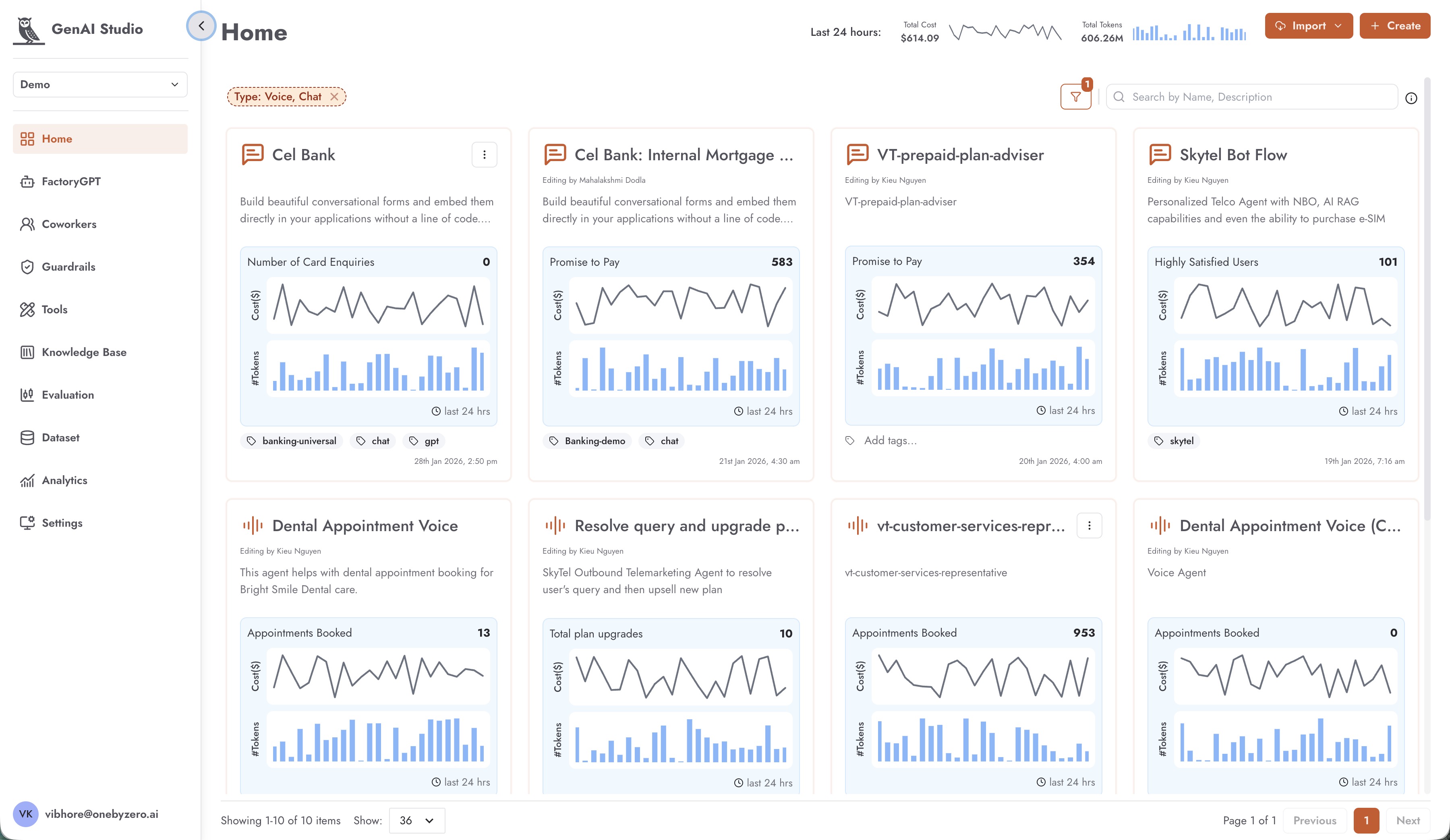
Once you have access to a workspace, you will see the main navigation menu on the left side of the screen. This menu provides quick access to all the key features and sections of the platform.